Your Edited Photo Says "Made With AI" — and It Wasn't: Cleaning Stale Metadata Before You Publish
By Priya Raman · November 2026
A client sent me a product photo last month with a note: "Instagram keeps putting an AI label on this. It's a real photo." She was right. It was shot on a camera in her studio. The only thing that happened to it was a background clean-up in an editor that, along the way, wrote its own tool history into the file.
This happens more than people expect, and the fix is usually not dramatic. It's mostly about understanding what's stored inside an image file and deciding, deliberately, what should travel with it when you publish.
What's actually inside an image file
A JPEG or PNG carries more than pixels. Depending on where it's been, it may include:
- EXIF — camera model, lens, exposure, timestamps, and often GPS coordinates.
- XMP — editing history, software names, ratings, and sometimes "credit" fields that note which tools touched the file.
- IPTC — captions, copyright, creator, keywords.
- C2PA content credentials — a signed record of how the file was created and edited, increasingly written by cameras, editors and AI tools.
- PNG text chunks — free-form key/value text some generators and editors write.
Platforms read some of these fields to decide whether to show an "AI info" or "Made with AI" label. If an editor recorded a generative step — even a tiny one — the label can appear on a photo that is, for all practical purposes, a photograph.
A reasonable workflow
My rule with clients is simple: the published file should describe the published image honestly, and shouldn't leak anything private. That rules out two things at once — stale tool history that misdescribes a real photo, and GPS coordinates from someone's home studio.
- Keep your original. Never clean the master. Archive it with all its metadata; that's your provenance record.
- Decide what's true about the final image. If generative AI meaningfully created or changed what the viewer sees, the right answer is to disclose that, label or no label. If the edit was a routine clean-up of a real photograph, stale tool tags are just noise.
- Export a clean copy for publishing. For this I use SynthClear's free Remove AI Label tool. It runs in the browser: you drop in JPG, PNG or WebP files, it redraws each image and writes a new file without the original EXIF, XMP, IPTC, C2PA or PNG text chunks. Nothing is uploaded; the processing happens on your device.
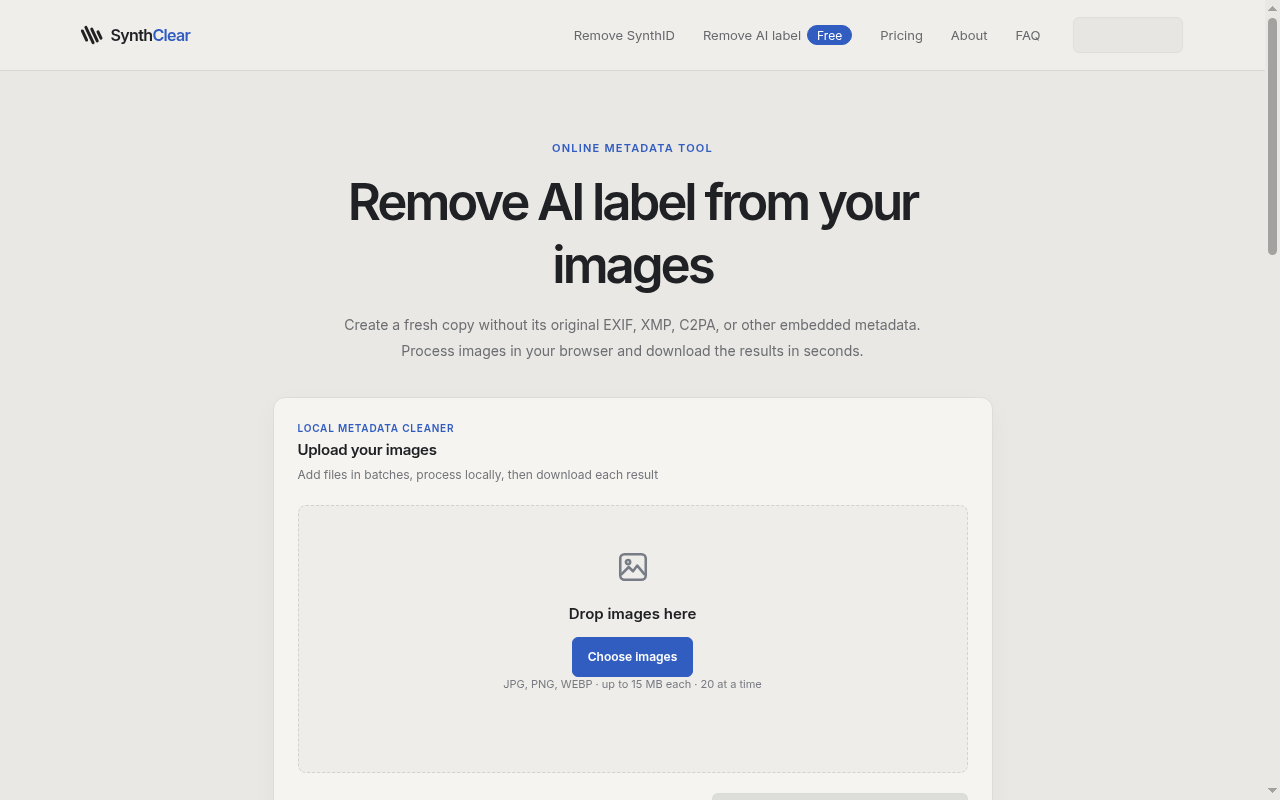
- Re-add what you want to share. Copyright and creator fields are worth putting back with your normal export settings. GPS almost never is.
- Publish, and keep a note. I keep a two-line log per asset: original file name, what was removed, and whether the image needed an AI disclosure. If a platform or client asks later, the answer is already written down.
What metadata cleaning does not do
This is the part people skip, so I'll be blunt.
Removing metadata changes the file's paperwork, not the picture. Pixel-level watermarks — such as Google DeepMind's SynthID, which is embedded in the image content of some AI-generated images — are not metadata, and a metadata cleaner leaves them in place. The tool's own page says exactly this.
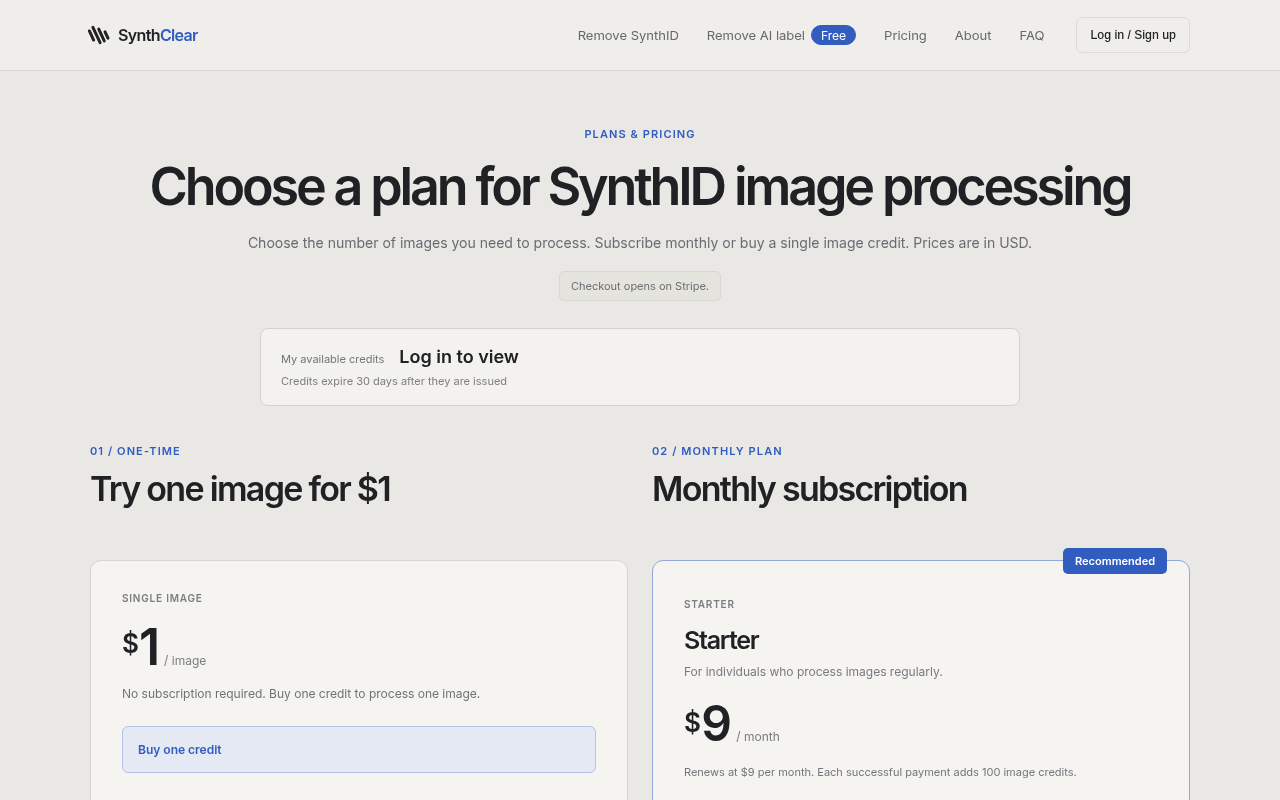
SynthClear does offer separate, paid SynthID remove processing for images you own or are authorized to edit (a single-image credit or a monthly plan). In my experience most people with the "my real photo got an AI label" problem never need it; the label came from metadata, and the free tool handles that. And if an image genuinely is AI-generated, no tool changes that fact — platform rules and honest disclosure still apply.
Quick checklist
- [ ] Original archived with full metadata
- [ ] Decided honestly whether the final image needs an AI disclosure
- [ ] Clean publishing copy exported (no GPS, no stale tool history)
- [ ] Copyright/creator re-added if wanted
- [ ] One-line log entry written
Further reading
Two longer write-ups go deeper on the same ideas: one on why to start with the free Remove AI Label step and what SynthID Remove actually changes in your files, and a privacy-first workflow for sharing AI-assisted product mockups with clients.
My client's photo, by the way, went up without a label after we exported a clean copy — because it was a real photo, and now the file said so.
— Priya Raman